HOW TO GET A FREE ISBN BARCODE
The ISBN is the identifying number of your work. It is your book’s identity. In Brazil, the only entity that issues ISBN numbers is the CBL and it has a cost.
KDP also provides ISBN numbers for your print books for free, but they can only be used within KDP. The one issued by the CBL can be used on your work to publish on any platform, including KDP.
I have a video about this, and there are also several videos on how to get your ISBN number from the CBL.
But here in this POST we will learn how to generate the ISBN barcode for free so you can put it on your book.
Attention: what is free is the barcode, not the ISBN number. The ISBN number must be issued as I explained above.
To generate your free barcode from your ISBN number, you will access the generator on my platform, LeandroVSilva One Tools Pro.
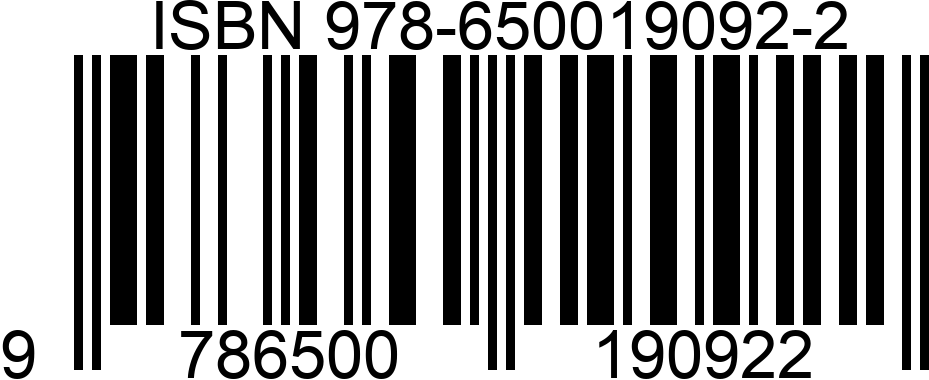
The generator is a universal script for generating barcodes. A barcode is nothing more than the graphic representation of your ISBN number.
Once you access the page, just enter your ISBN number and the system will generate it. You can customize your barcode and, with access to the pro version, even add a logo.
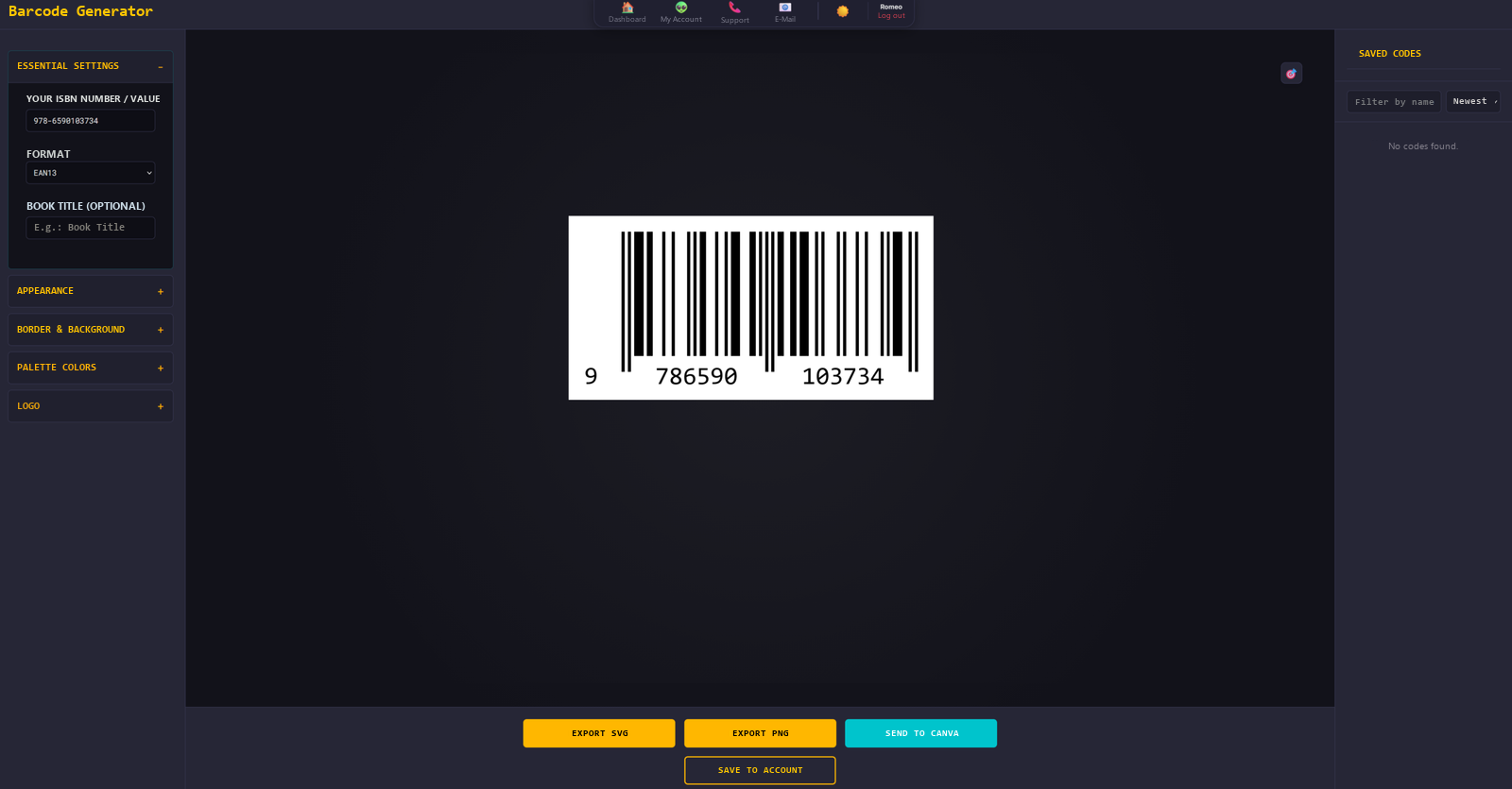
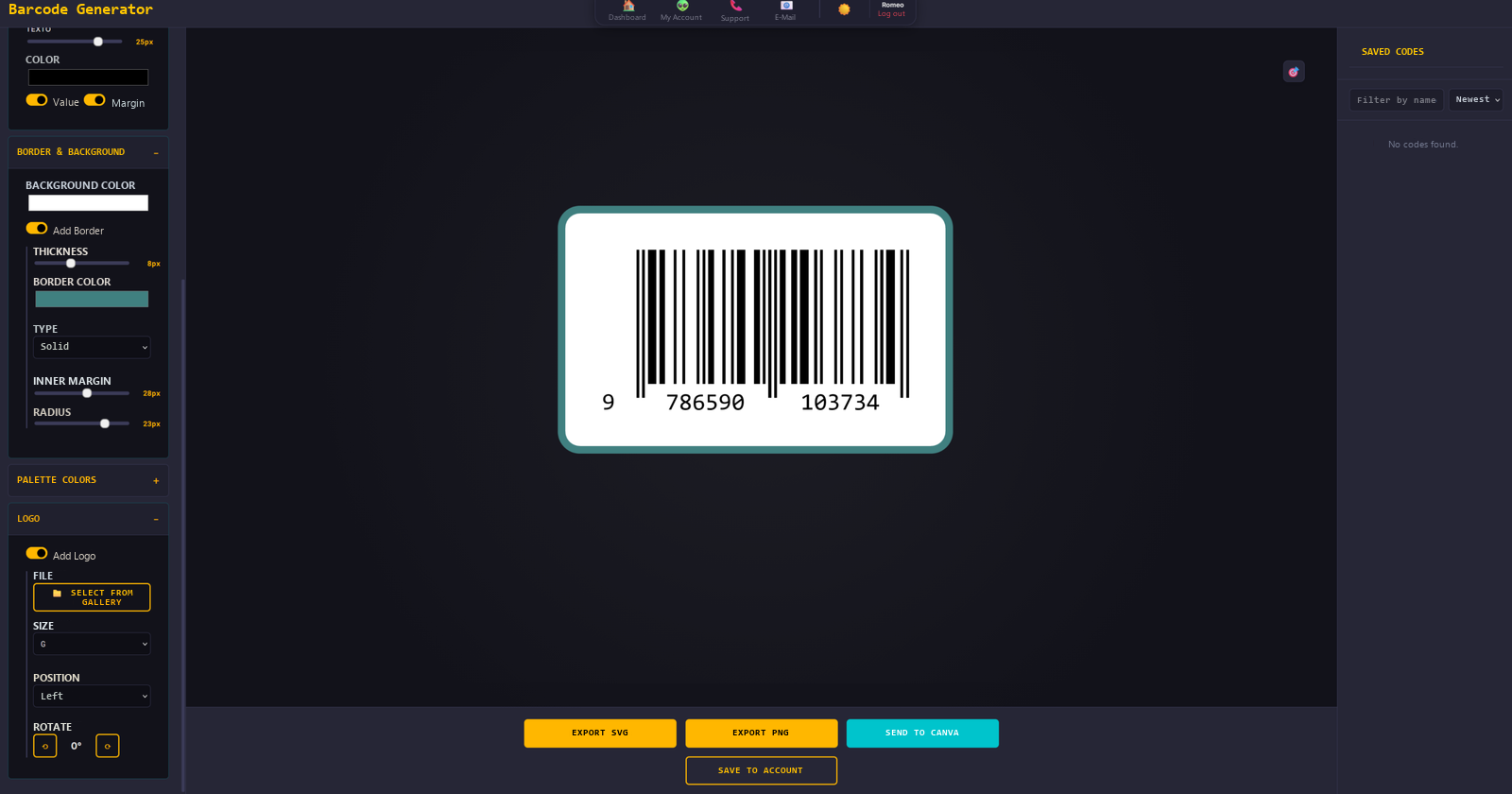
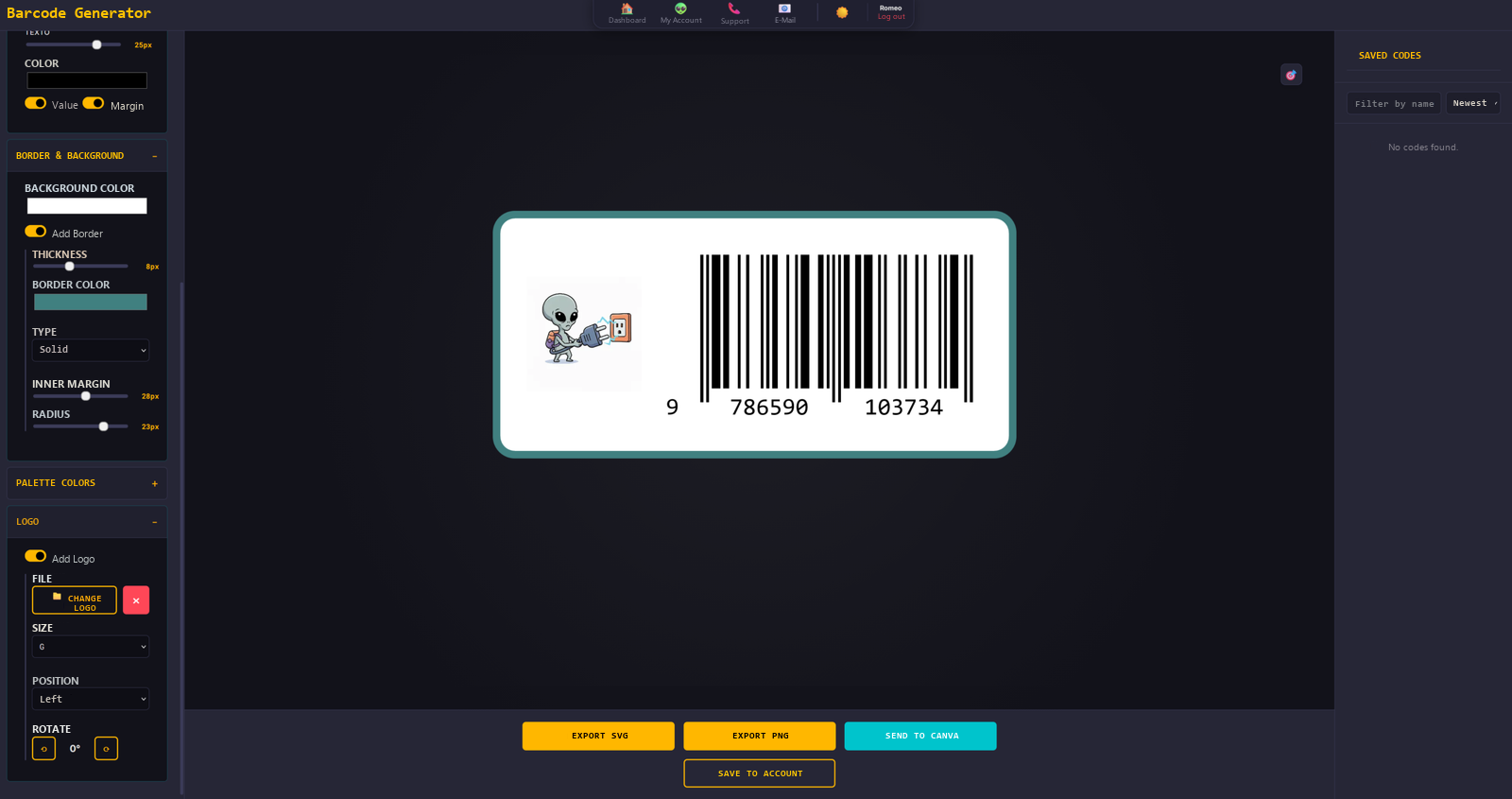
You can save it in the system and download it in several formats.
After that, just place it on the back cover of your book. There is an option to send it to Canva if you are designing your cover there. An integrated system to make your productions easier.
Platforms such as UICLAP and KDP generate the barcode from the ISBN number entered when you register the book information, but they decide its position on the back cover. If you want to choose the position, just take the barcode you generated here and, when registering on the publishing platforms, turn off automatic barcode generation.
In the videos below I explain this publishing process on some platforms.