

How to stay focused and double your productivity while writing your book

Writing a book is a marathon, not a sprint. Every author has sat in front of the screen and caught themselves losing hours in random browser tabs or fighting the dreaded creative block. The secret to beating that inertia isn’t relying on willpower alone, but setting up a workspace that’s shielded from distractions and designed to get results.
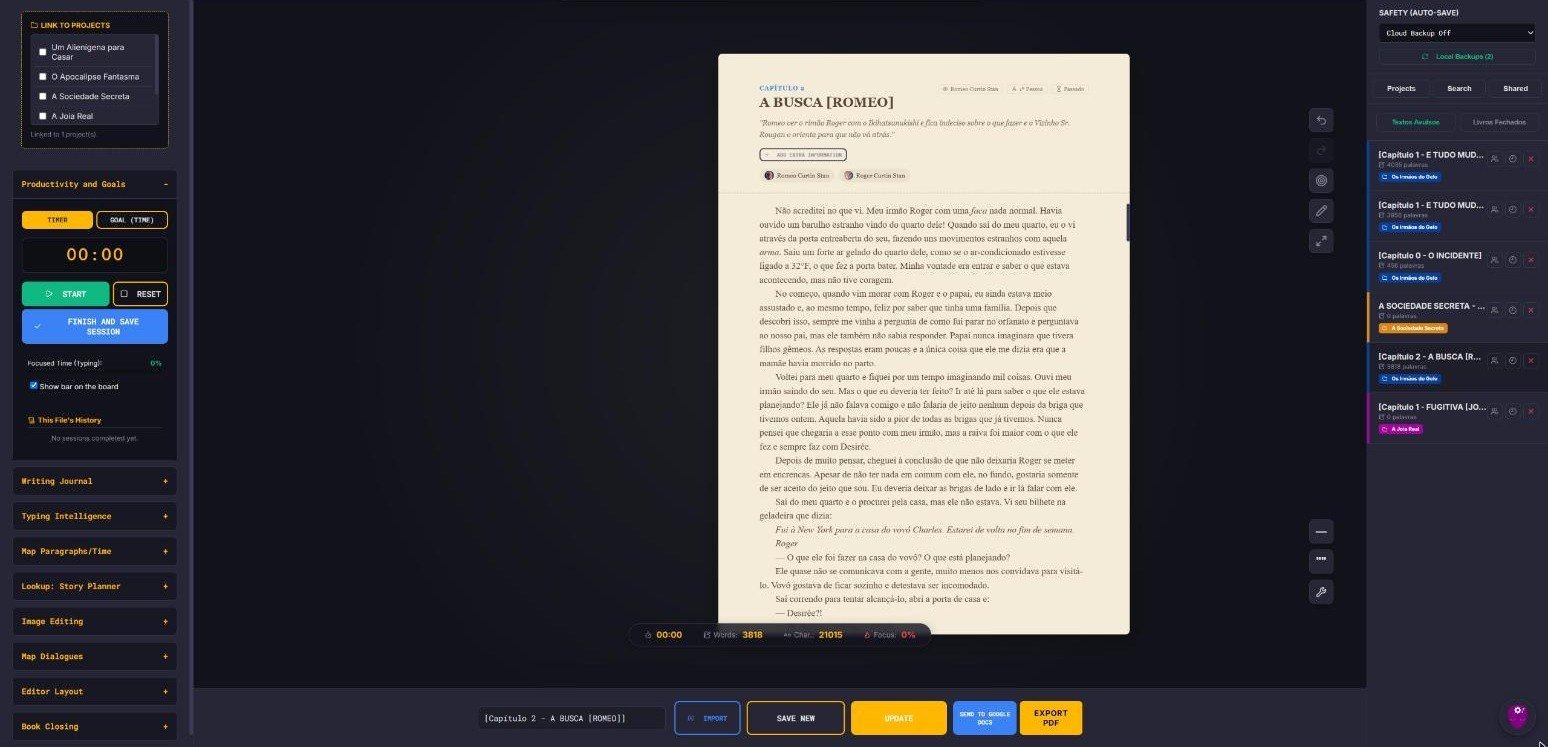
In this post, I’ll show you how to double your writing productivity with techniques that work. To show it in practice, I’ll use Writing Focus (the Advanced Writing card in the dashboard), the editor I developed inside One Tools Pro precisely to keep your attention where it belongs: on your story.
1. The Pomodoro technique and word goals
The best way to trick a procrastinating brain into writing is to set short, achievable limits.
The Pomodoro technique splits work into focus blocks (the classic is 25 minutes), with a short break between them. In Writing Focus, the Productivity and Goals panel sits on the side, with the timer and your session goal. Watching the bar fill up in real time creates a sense of urgency and an instant reward that keeps you typing.
2. Tracking your progress with a writing journal
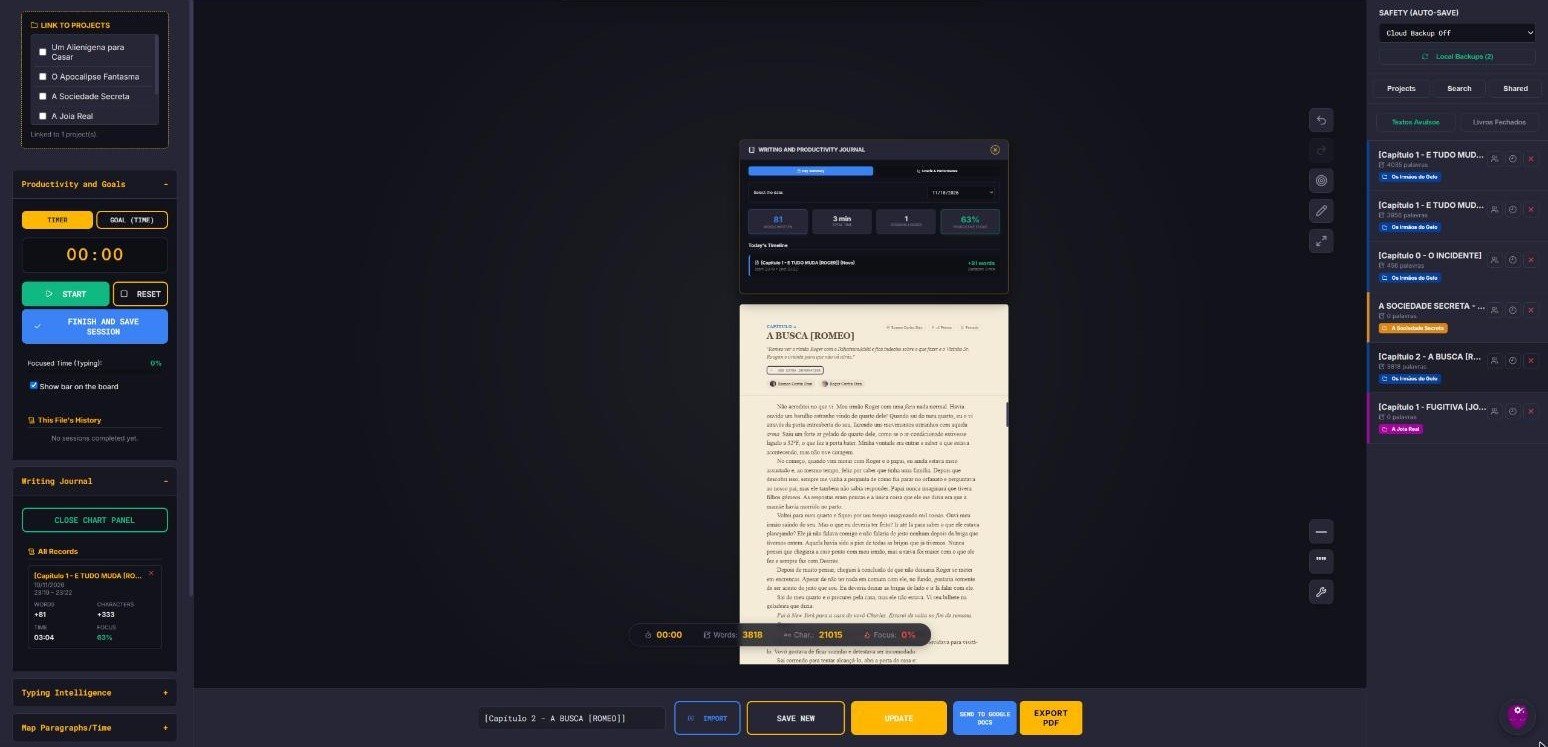
You can’t improve what you don’t measure. Keeping a record of your sessions helps you understand your creative peaks and stick to your writing routine.
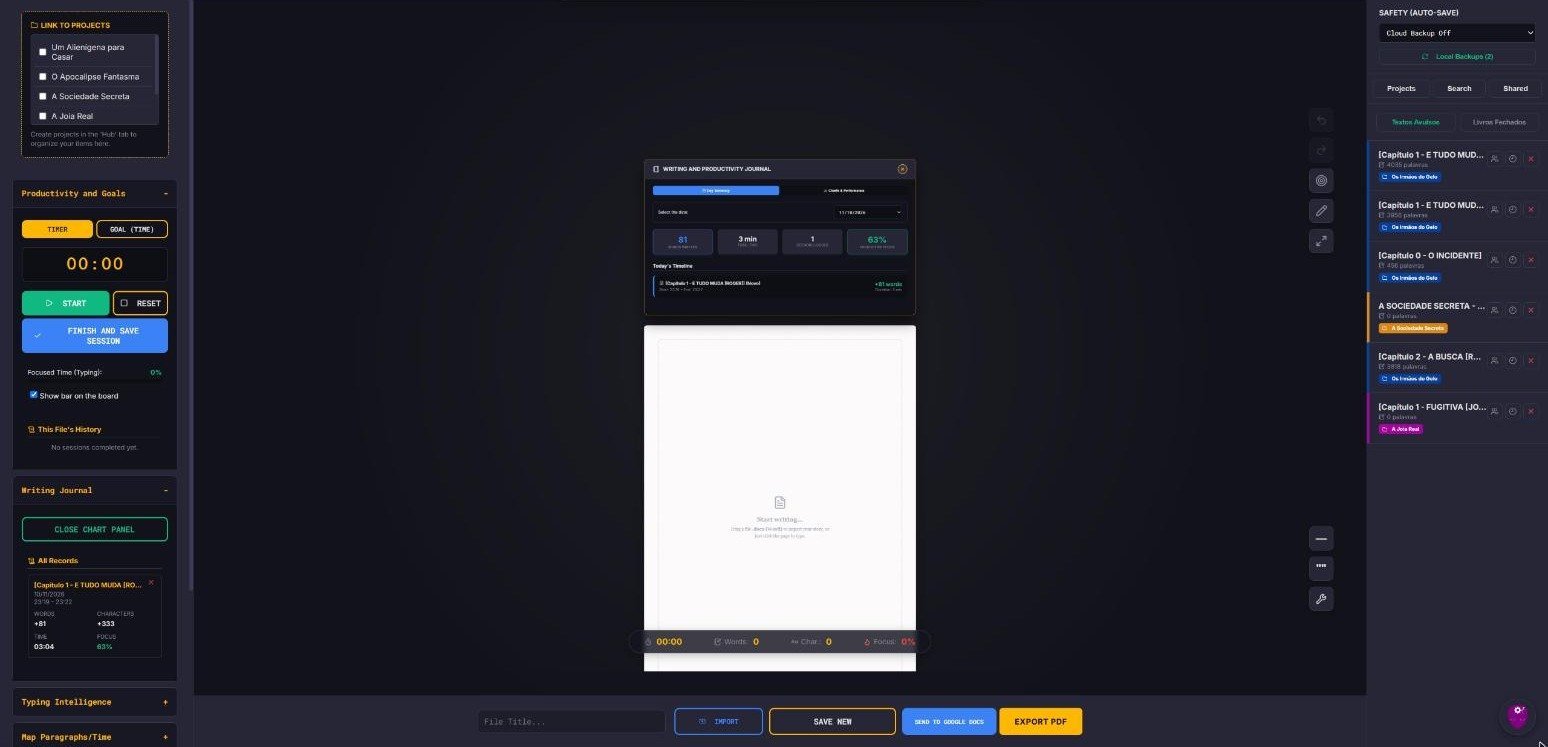
The Writing and Productivity Journal records the words you wrote that day, your focused time, your sessions and your productivity percentage, with performance charts. Looking at those numbers on discouraging days is the best fuel for writing consistently and proving to yourself that the project is moving forward.
3. Voice typing to speed up your draft
Sometimes your fingers just can’t keep up with the speed of thought, especially in action scenes or fast dialogue.
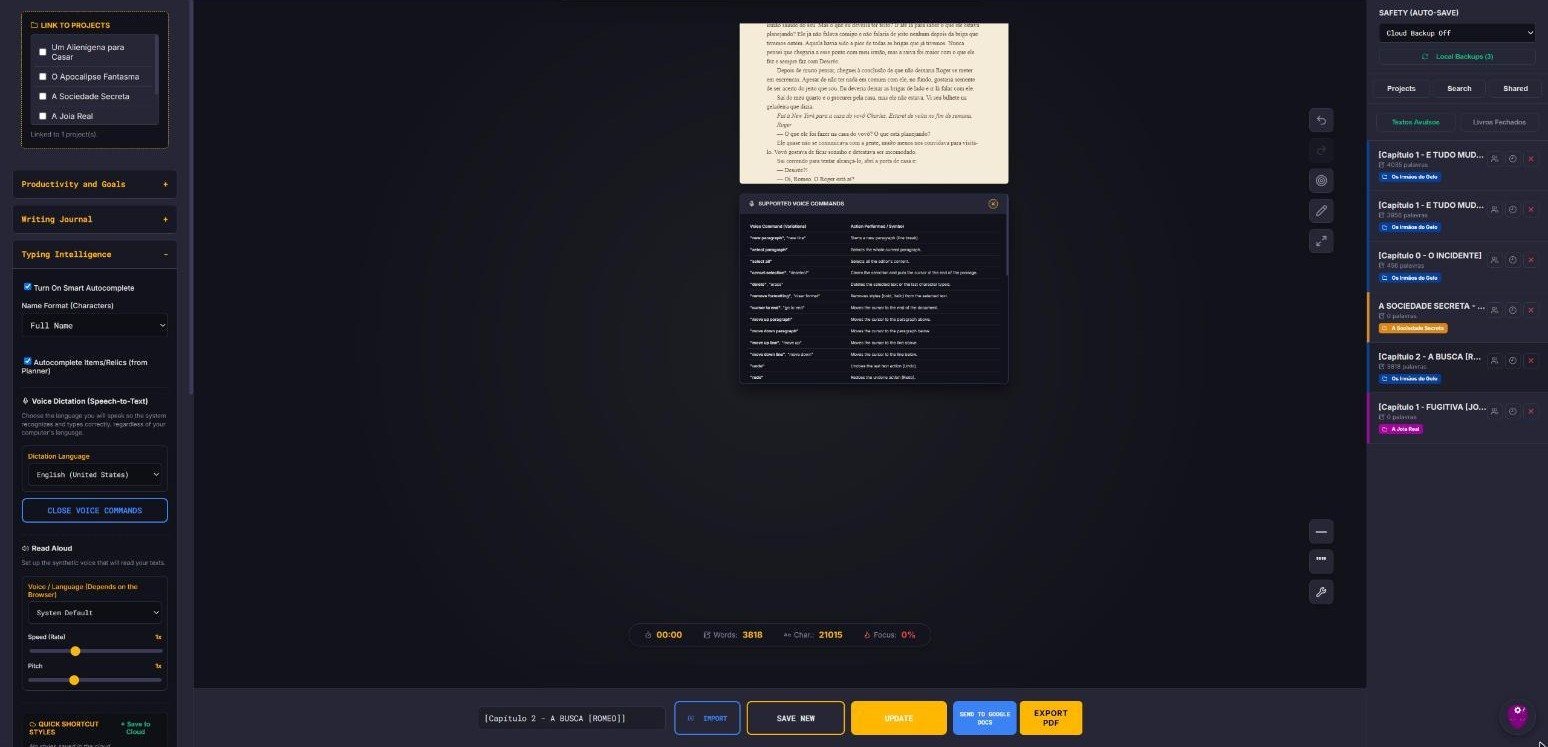
If you want to write faster, voice typing (speech-to-text) is a game changer. In Writing Focus you don’t just dictate the text, you also use voice commands to format it: you can say “new paragraph”, “question mark”, “em dash” or “delete” without touching the keyboard. It’s the perfect tactic to get the first draft out of your head and beat creative block.
4. Checking your plan without leaving the screen (goodbye, Alt+Tab)
The biggest focus killer is switching tabs. You’re in the flow of writing and need to remember the name of a relic, the year of an event or a secondary character’s motivation. You open an external document, see a notification and lose half an hour.
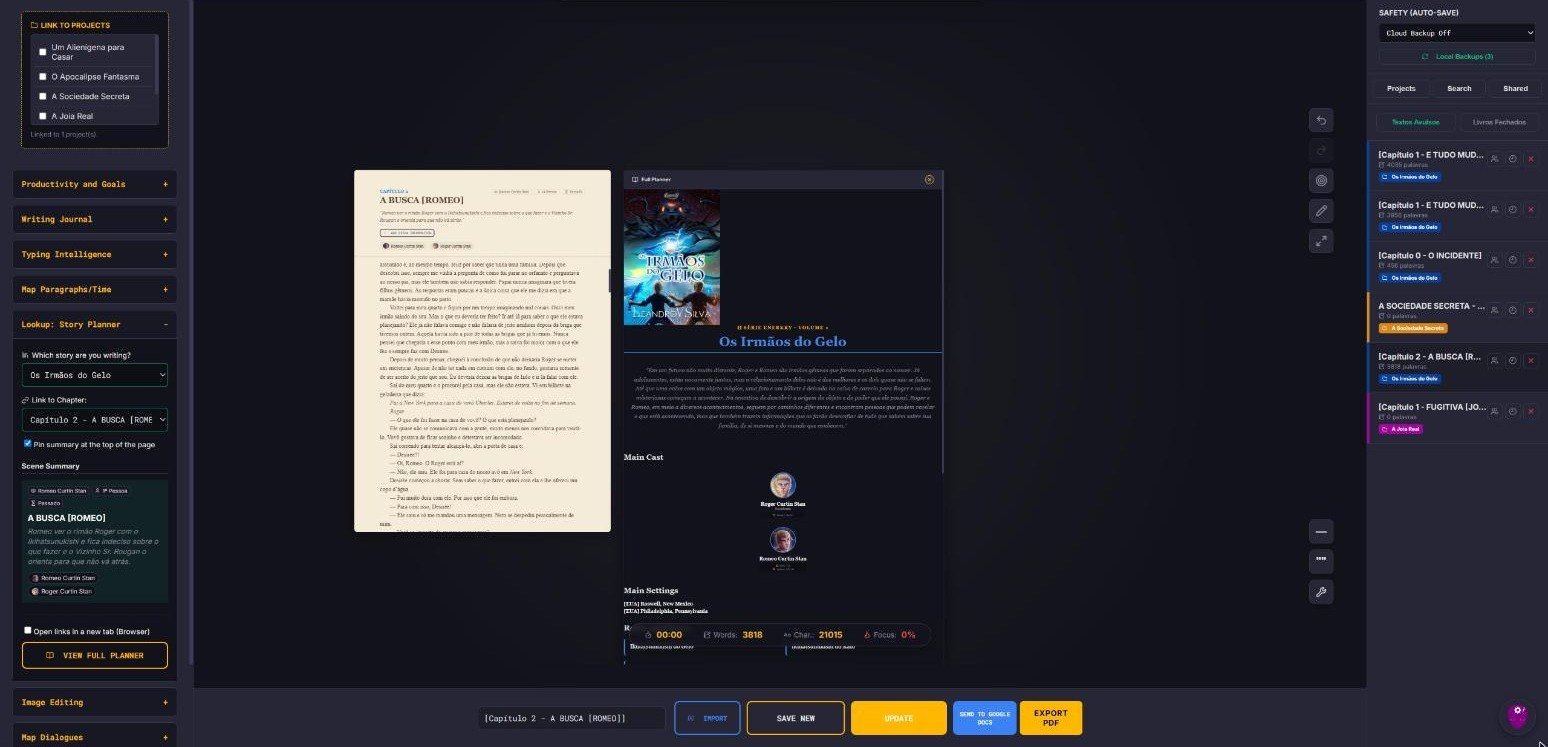
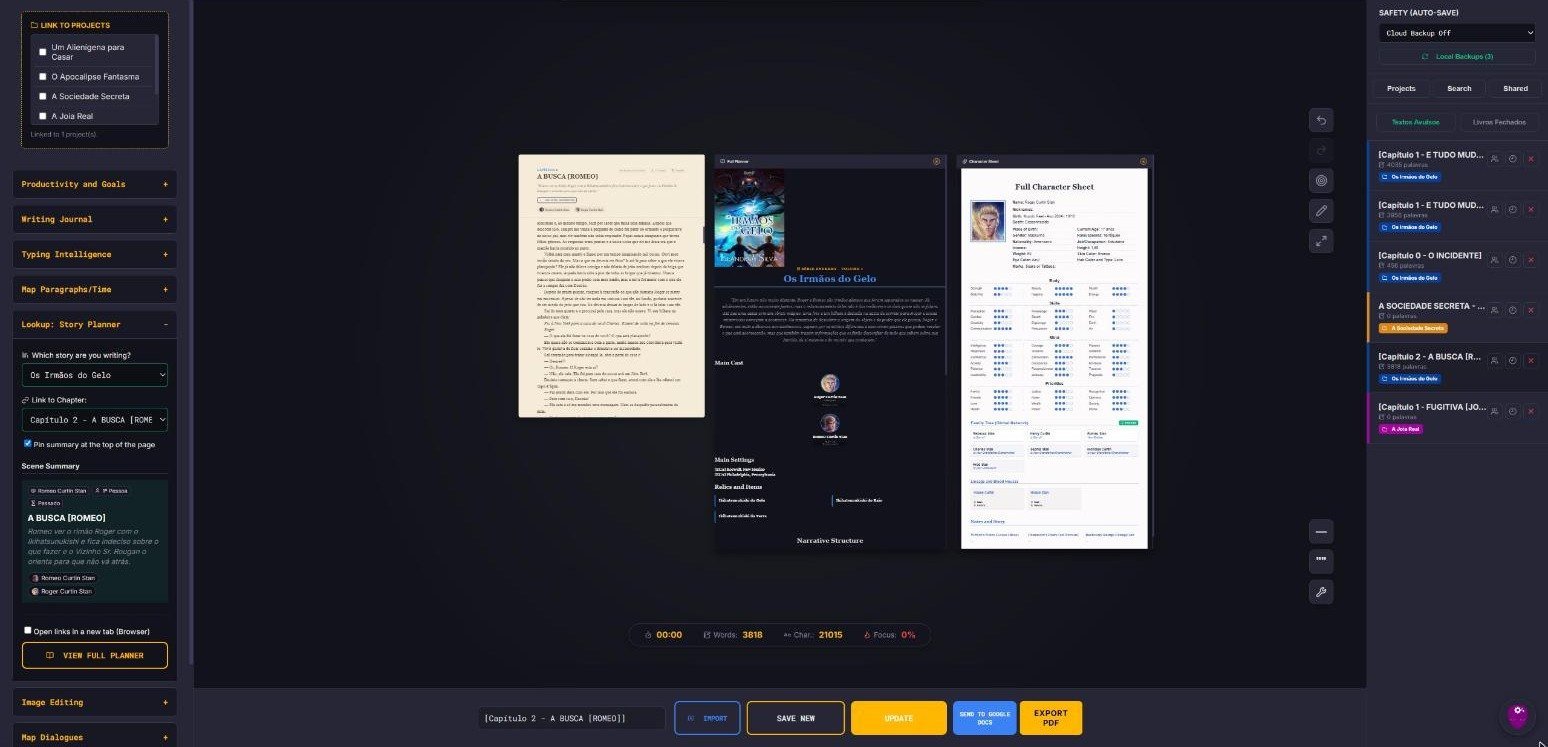
To put an end to that, I created the split screen. You open your story plan, the timeline or a character’s full sheet next to the manuscript. Your whole story bible stays on the same screen, and your worldbuilding supports your writing on the spot, without breaking immersion.
Your cast’s names can also be born in One Tools Pro: I show you how in how to create names for fantasy books.
5. Visual comfort and a clean workspace
Eye strain kills your rhythm. Working for hours with a glaring white background isn’t healthy, especially for those of us who write late at night.
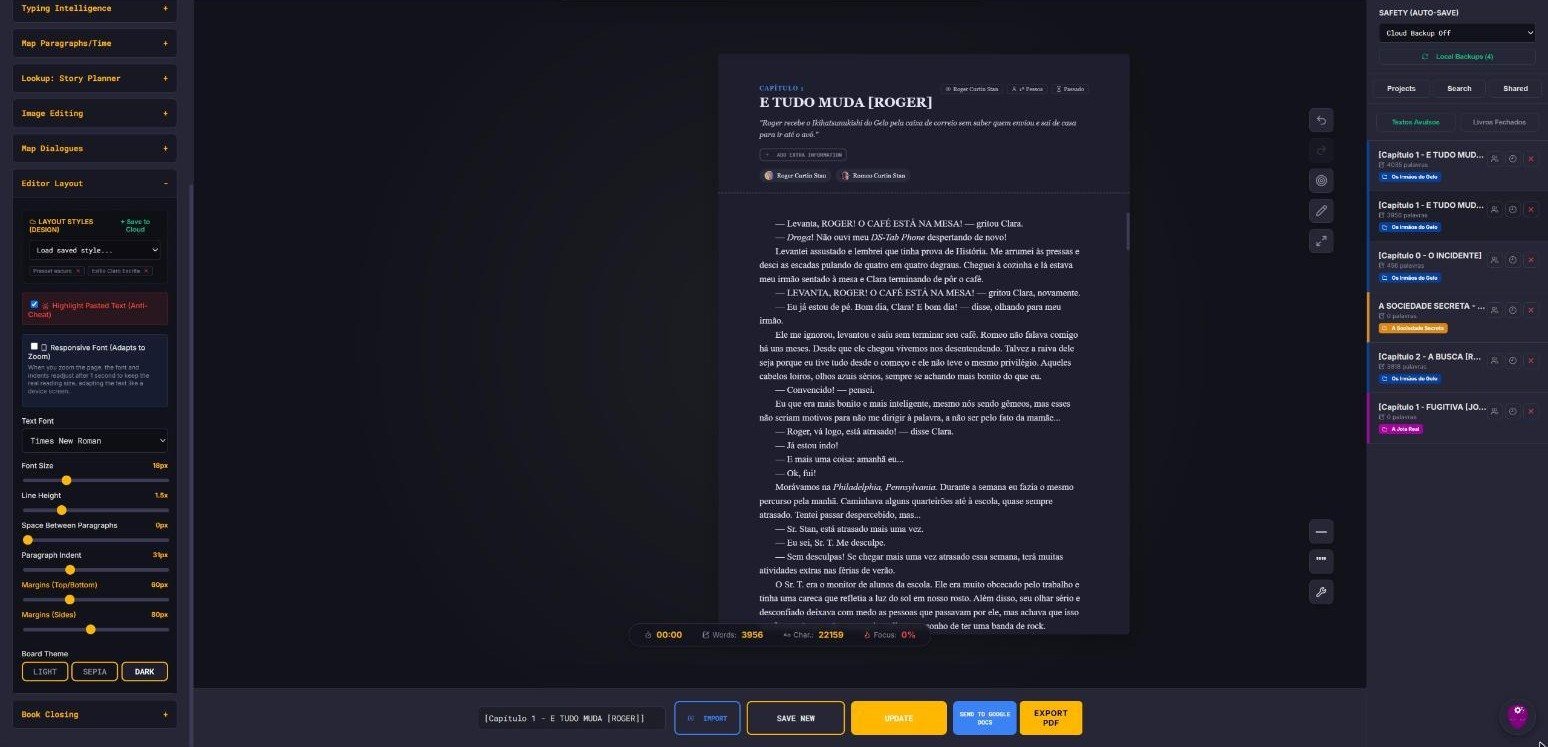
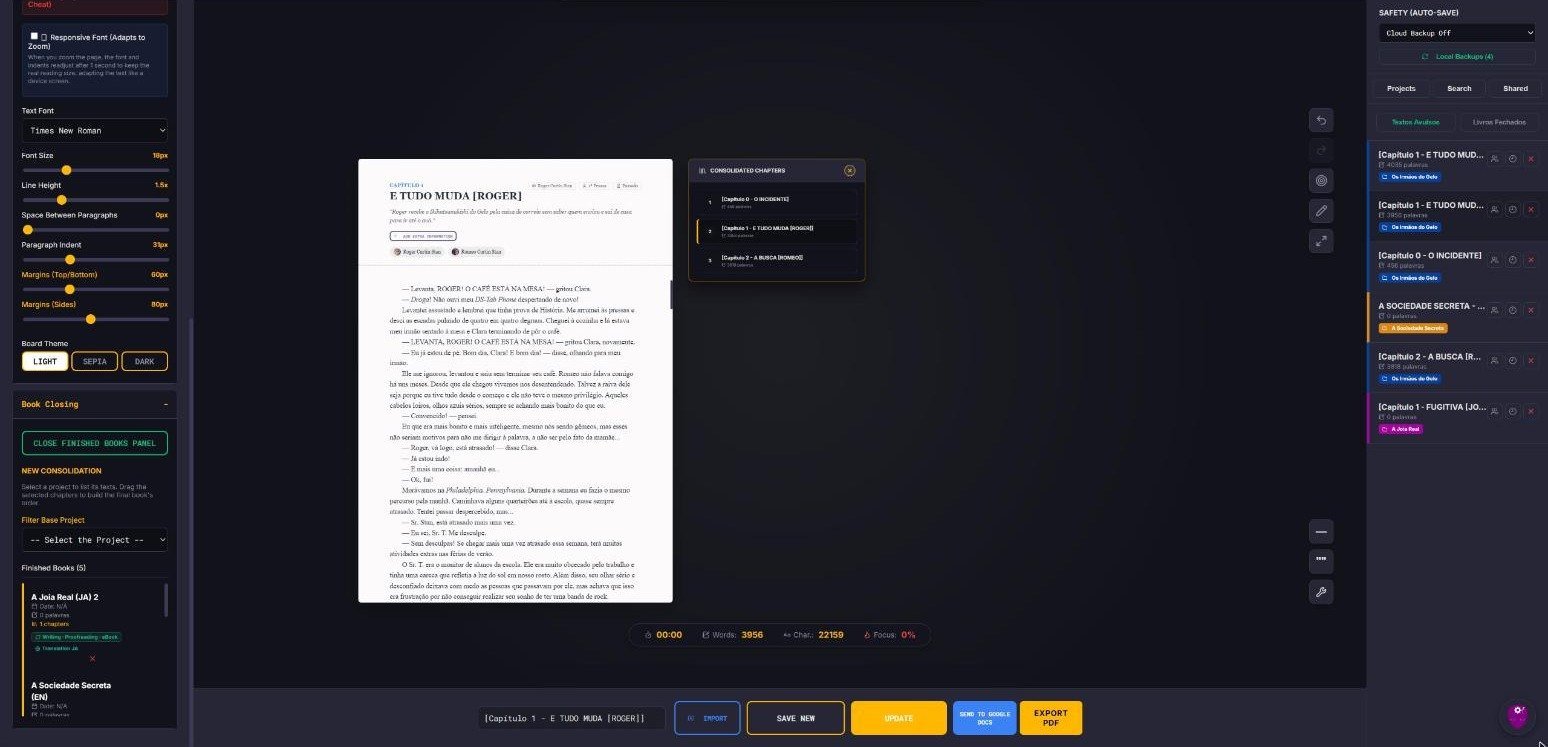
The editor should adapt to you. I prefer dark mode or sepia for long sessions. In Writing Focus, under Editor Layout, you choose the board theme (light, sepia or dark), the font, the size, the spacing and the page margins. A clean workspace with comfortable typography reduces fatigue and lets you write longer and better.
Quick tips to stay focused
- Phone away from the desk. Silencing it isn’t enough: out of reach, you won’t grab it on reflex.
- Same time, same place. Routine tells your brain it’s time to write.
- A small daily goal. 300 words every day add up to more than 3,000 once a month.
- Write now, revise later. Editing while you write breaks the flow.
I have an article just about how to avoid creative block and another one on how to structure a story.
Frequently asked questions
How long should each Pomodoro last?
The classic is 25 minutes of focus and 5 of rest, with a longer break every four blocks. If you get into the flow slowly, try 40- or 50-minute blocks.
What's a good daily word goal?
One you can hit almost every day. Start small (300 to 500 words) and raise it once it becomes a habit.
Tools and resources
About One Tools Pro: most of the platform's features are free, but some features require a subscription to be unlocked. To check, just visit One Tools Pro.
Writing a book takes discipline, and the right tool does the heavy lifting of organization for you. Cut out distractions, measure your progress and keep your universe within sight. Keep fighting and always moving forward!
Open Writing Focus in One Tools Pro